





Agencies
The ads manager for agency teams
- A memory for each client that every assistant reads before it answers.
- Business Manager and MCC connected once, with only the client accounts you tick.
- A role for every seat, and every change on record with its reason.
Cancel anytime. For more than 30 ad accounts, see Enterprise.
 Client memory in the cockpit
Client work, shared by the team
Each client keeps its accounts, its memory and its history, and each person reaches what you give them.
Manager accounts
Every planBusiness Manager and MCC, account by account
Connect a Meta Business Manager or a Google Ads MCC once, then tick the client accounts to share. Your assistant reaches only the ones you tick.
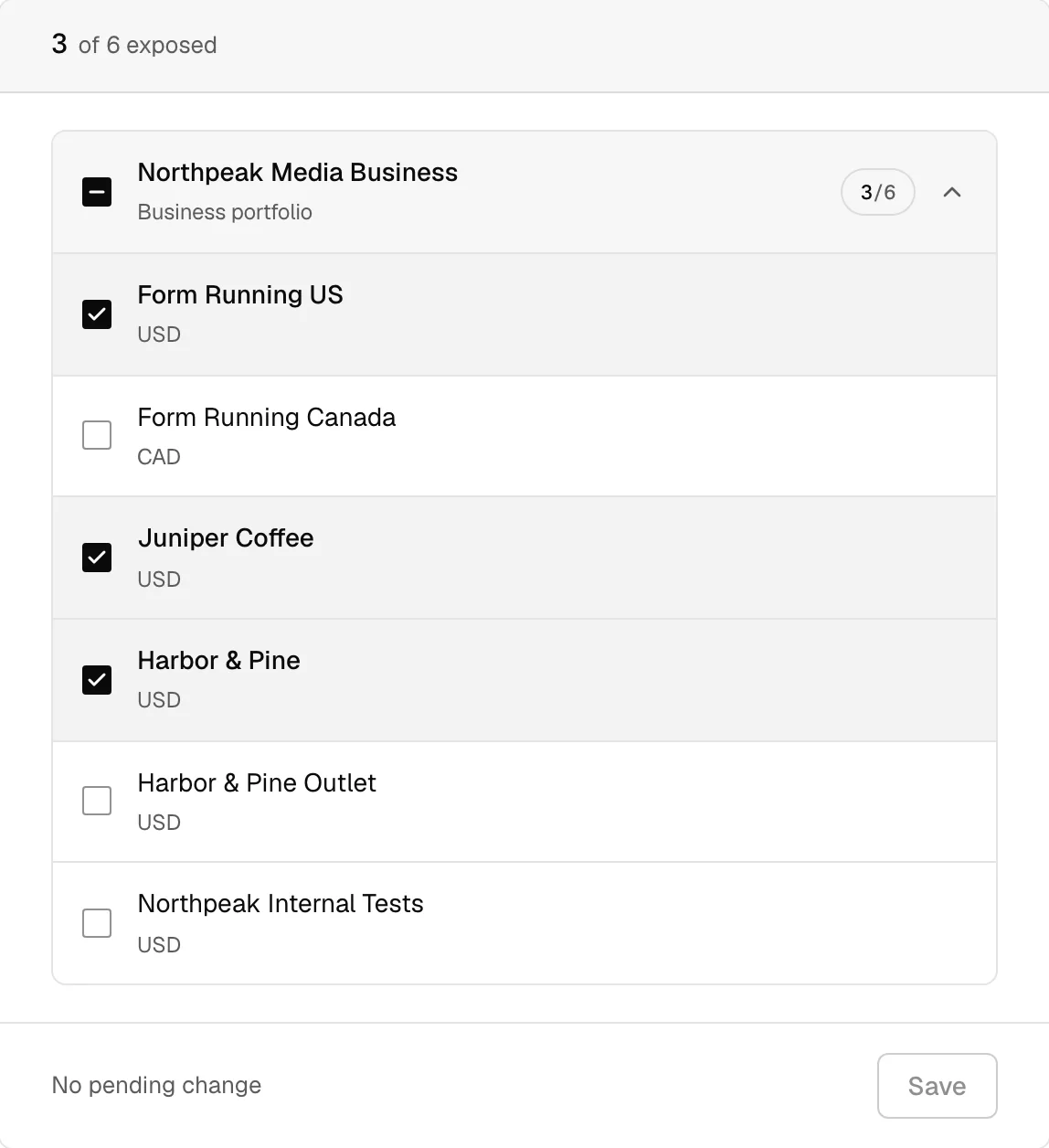
Accounts under a Meta Business Manager, in the dashboard. Sample data. Team
From TeamA role for every seat
Invite the team as administrators or members. Members work read only or read and write, and removing someone cuts their assistants off at the next call.
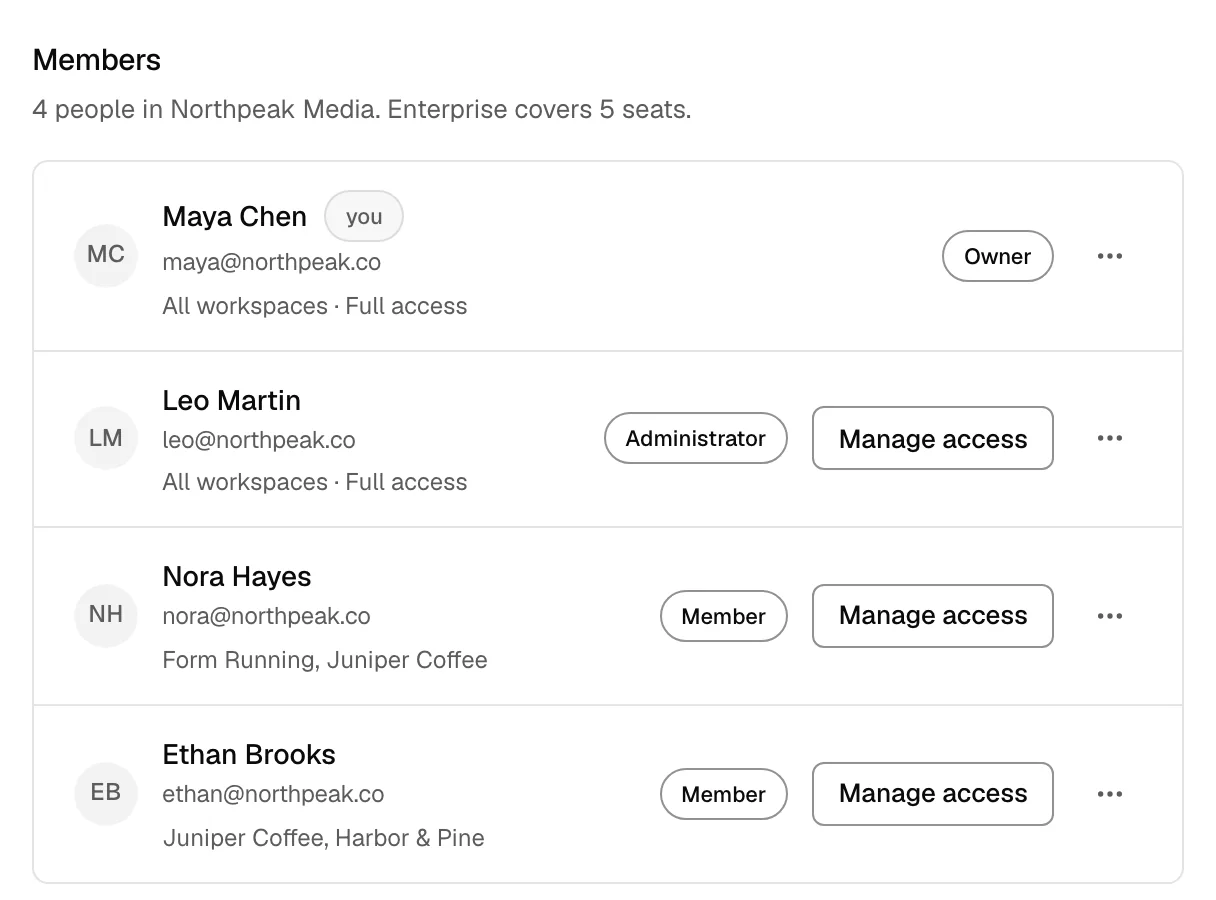
Members with their role and what they reach, in the dashboard. Sample data. Journal
From TeamEvery change, with who and why
Each change made through Get MCP Ads is listed with the person and the reason. The client journal also names the assistant and lists the changes made directly in Meta Ads Manager or Google Ads.
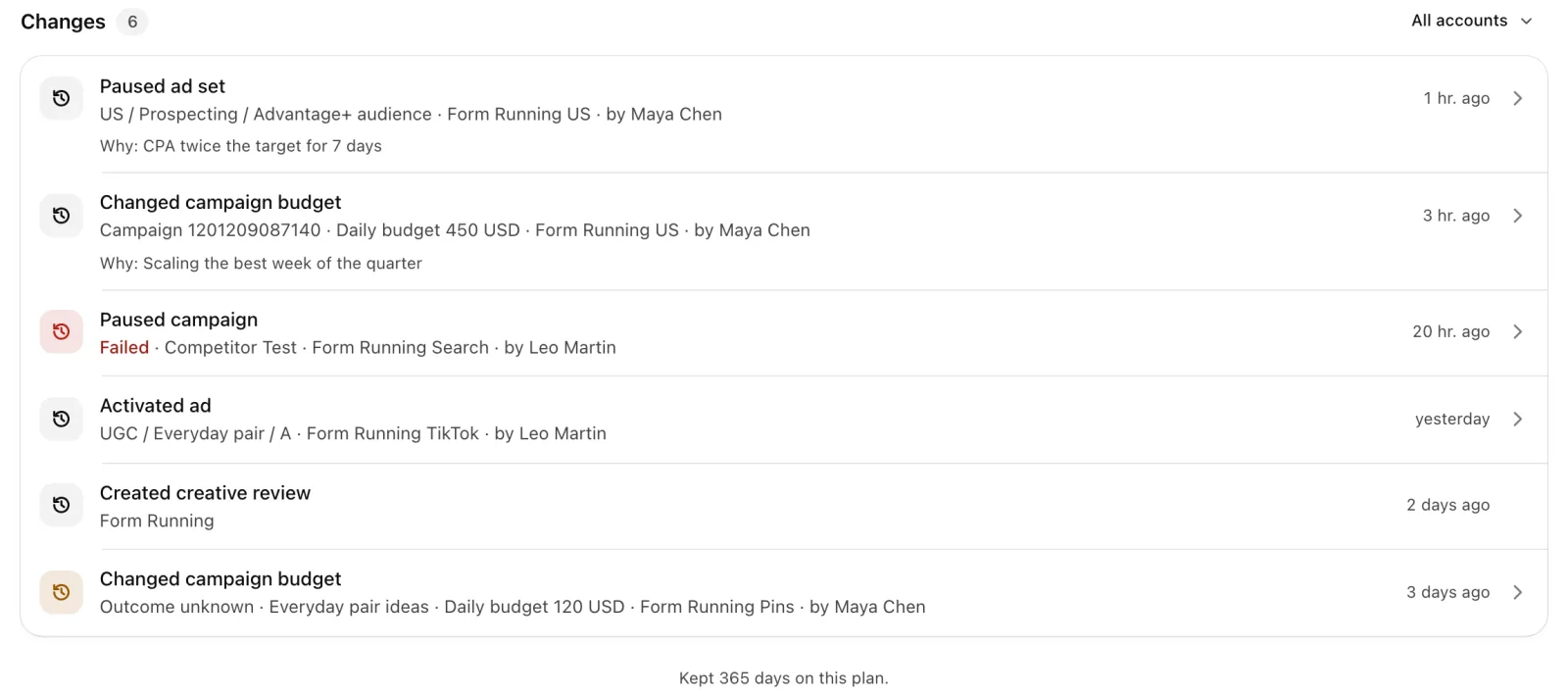
Changes on one client, with their author and their reason. Sample data. Client workspaces
EnterpriseA workspace for each client
Each client in its own workspace, with its ad accounts and the people who can reach them. Client workspaces come with Enterprise.
Enterprise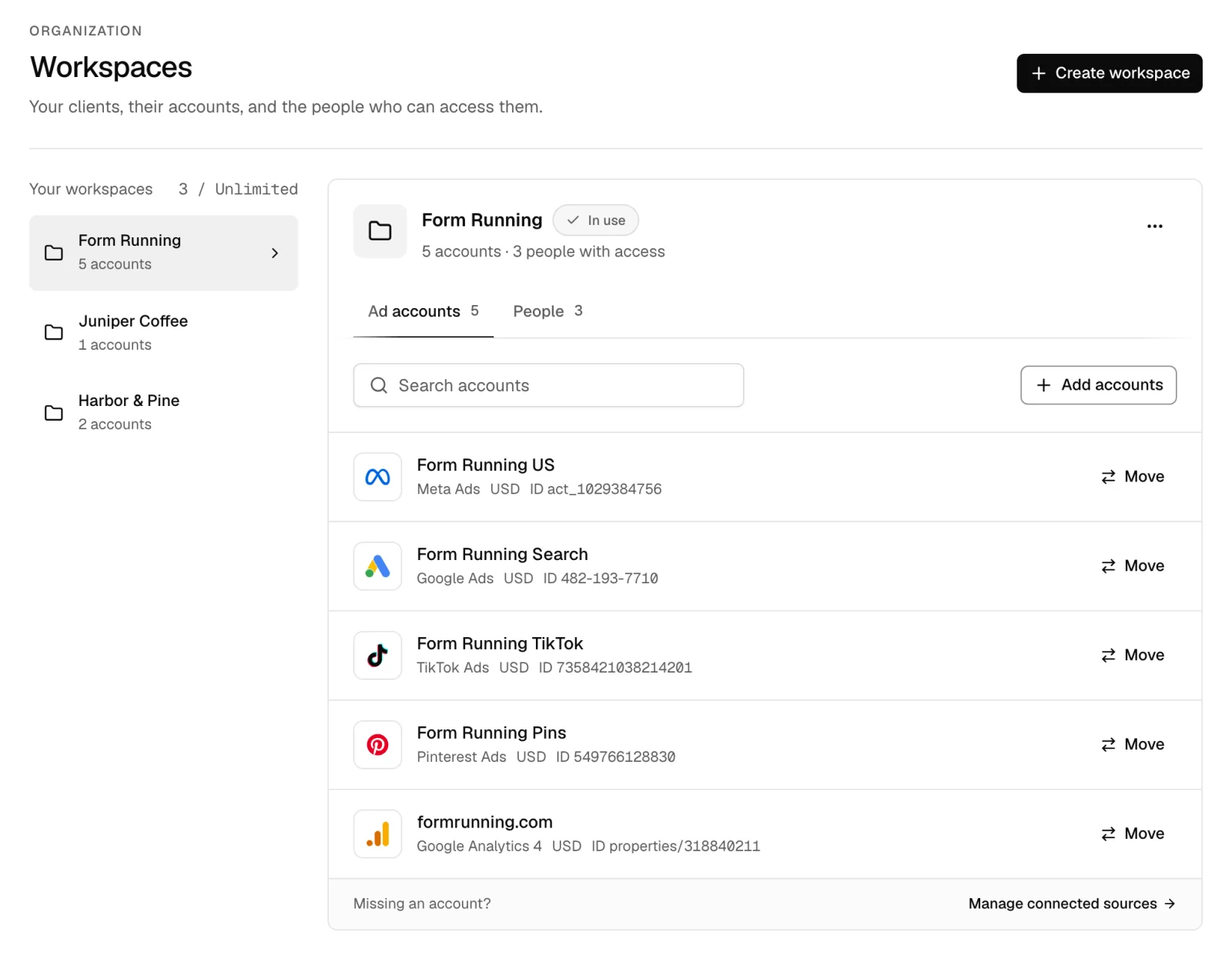
Three clients, each in its own workspace, in the dashboard. Sample data.


Free to start, Pro from $39 a month
Every plan includes every platform and every assistant. Seats and ad accounts differ by plan. Free with 1 ad account, no card. Pro is free for 7 days.
Questions
- Yes. Every assistant reads the same memory before it answers, so a rule saved from Claude applies in ChatGPT, for the whole team.
- Yes. The client journal lists the changes made directly in Meta Ads Manager and Google Ads beside the ones made through your assistant.
- Yes. Connect one login per Business Manager or MCC if you need to, and tick the accounts to share under each.
- Owners and administrators. Members use the assistant on what they are given and cannot change connections, people or billing.
- Remove them from the team. Their assistants lose access at the next call, without rotating any platform credential.
- It depends on the plan, and the comparison lists both. For more than 30 ad accounts, Enterprise has no account limit and bills by invoice.


Manage your ads from your AI assistant
Free with 1 ad account, no card. Pro is free for 7 days.